Select text in Mail, Xcode, Safari, Word — anywhere — and a smart AI bar appears instantly. Fix, translate, rewrite. Never leave your app.
To: sarah@company.com | Subject: Project Update
Hey Sarah, hope you are doing good.
I'm writing with a quick update on where things currently stand.
I want to touch base about the project we discussed last meeting.
Things are moving but not as fast as expected and I think we need to maybe talk about shifting some deadlines.
Let me know when your available to jump on a quick call.
Thanks
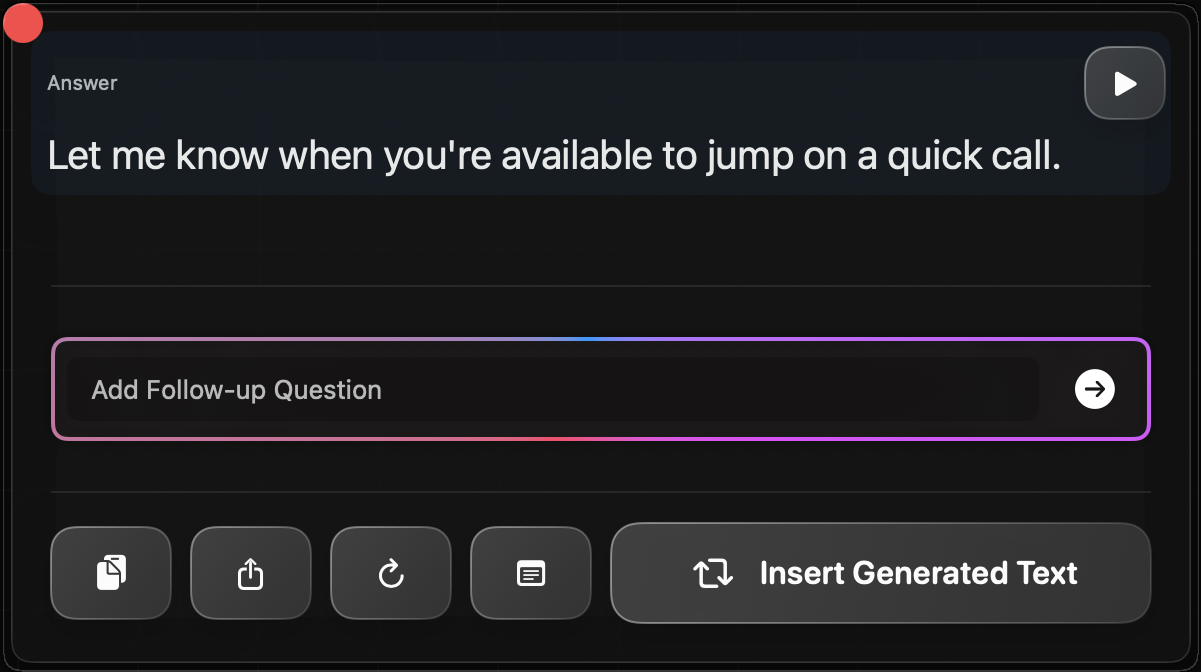
No copy-paste. No tab switching. AI where your cursor already is.
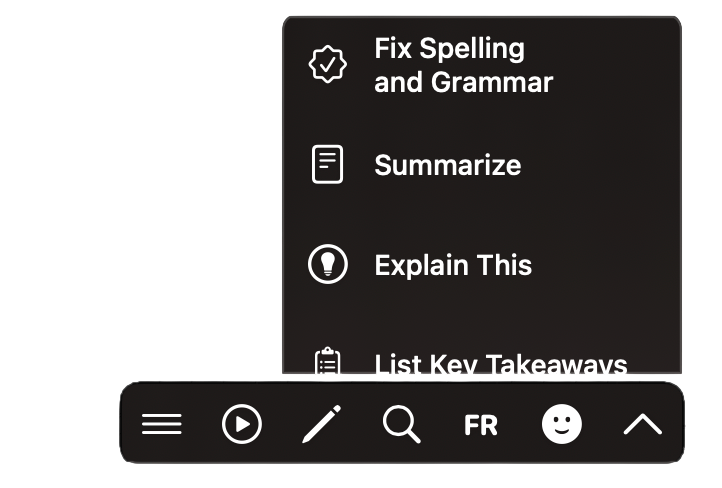
Highlight text in any macOS app — Mail, Safari, Xcode, Word, Notion, anywhere your cursor goes.
A clean popup bar floats above your selection. No clicking through menus, no switching apps.
Fix grammar, translate to any language, rewrite tone, summarize — result replaces your selection instantly.
Whether you're shipping code or closing deals, TextGenie speaks your language.
Write clear commit messages, improve inline comments, and explain complex code for pull requests — without leaving Xcode or VS Code.
Fix tone in emails, tighten proposals, and respond in any language — directly in Mail, Slack, or Google Docs. Write less, say more.
Read and write in any language with zero friction. Translate selected text in Safari, rewrite it in your native tongue, paste it back.
Translate between 50+ languages instantly. Select, click, done. No copy-paste, no browser tab.
Fix grammar, spelling, and punctuation — or shift your tone from casual to professional in one click.
Type your own prompt — "make this sound more confident" — and get a result tailored exactly to your need.
+ 27 more actions including Summarize, Paraphrase, Expand, Simplify, Bullet Points and more.
Takes less than 1 minute to set up. Start free, upgrade to Pro for $5/month.
Download TextGenieAI — Start freemacOS 12+ required · Apple Silicon & Intel supported